Introduction
Filters are a quick and powerful way to narrow down the activities you see in dashboards and reports to provide clarity and focus.
Where can I find my current Filter?
The Filter panel is located in the top-right of the screen when logging in to a project.
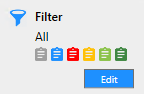
How to change a Filter
When you click the "Edit" button you will be presented with options similar to the following:
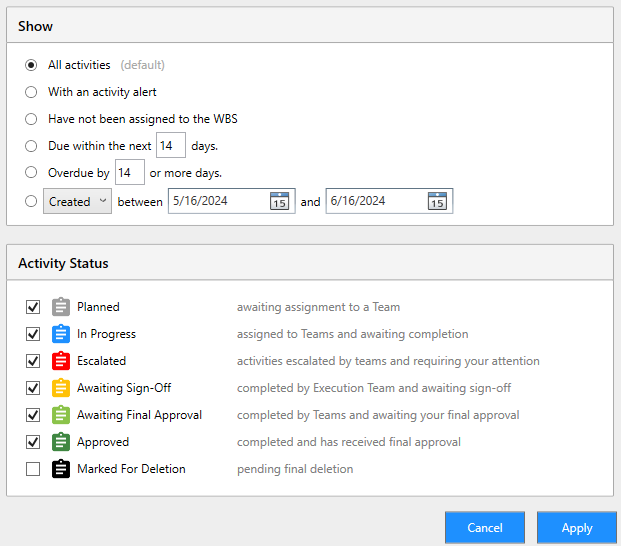
Changing these options and clicking Apply will mask those respective activities from your dashboards and reports.
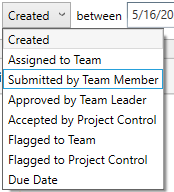
Date options
There are many dates associated with activities and the Filter allows you to interrogate those dates. For convenience here are the available options: