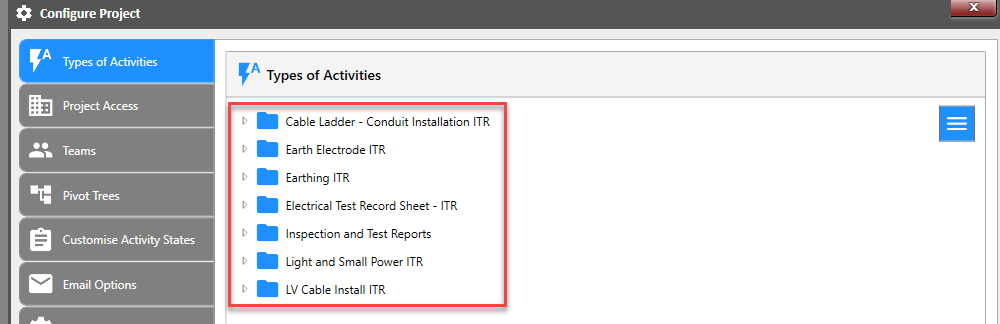
Export activity type
Activity type can be exported at folder level or by each activity type.
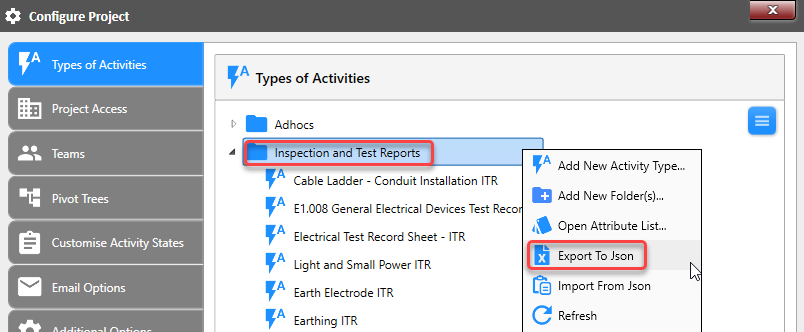
Take note of where the file is saved. It will appear on the bottom right of your monitor.
Importing activity type
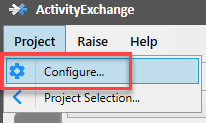
Go into 'Configure Project' screen.
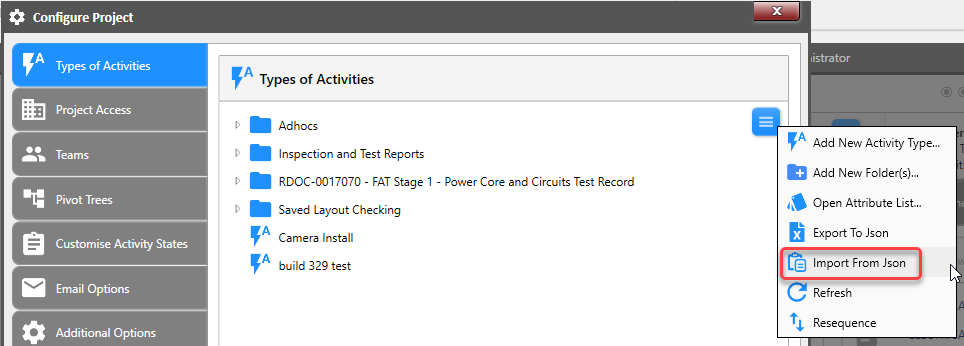
Ensure you are in the 'Types of Activities' tab and left click on menu bar and select 'Import from Json'.
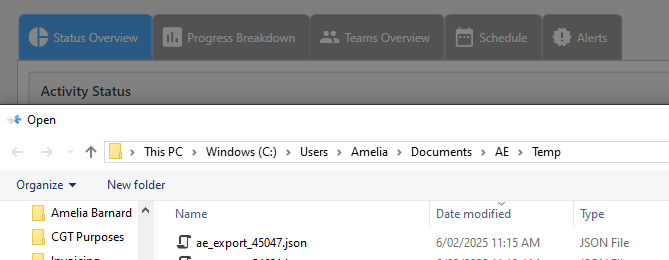
Locate 'json file exported and select ok.'.
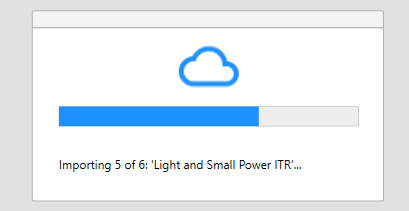
Progress bar will appear to communicate progress.
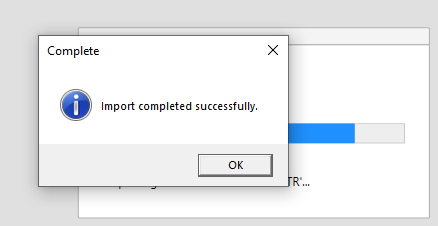
Once completed message will advise. Select 'OK'.
'Types of Activities' tab will now show the updated activities.