Configure Team
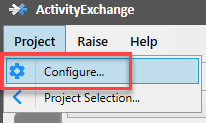
Once you have signed into desktop as a Team Leader, select the'Cogs Wheel' icon, which will take you to 'Configure Team' window.
Email Distribution Options
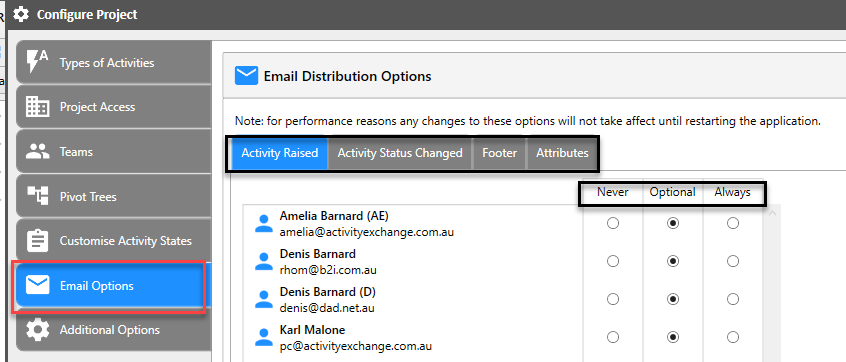
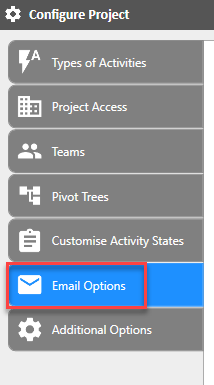
Select 'Email Options' tab on the left, which will provide 'Email Distribution Options' window on the right.
There are 3 activity events that can trigger an automatic email:
- Raising a new adhoc activity
- Flagged Activity
- Completed Activity
- Never
- Optional
- Always