Introduction
The "Properties" tab is where the activity type layout is designed and the attributes are defined. The 3 sections that need to be completed are:
- Properties
- Attributes List & Activity Design
- Recurring Options - only applicable to Recurring Maintenance activity type
Properties
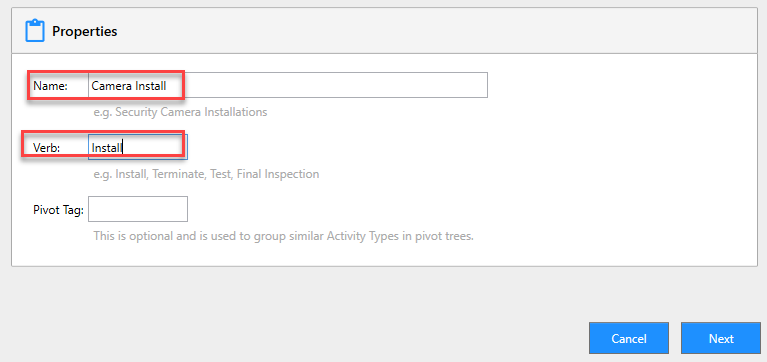
Give your activity type a title in the 'Name' section and provide a 'Verb' which is a prefix for your activity.
Attributes List & Activity Design
For simplicity purposes there are 2 main components:
- Attributes List - Define what attributes that you would like users to enter data into for activities generated for your Activity Type.
Read more... - Activity Design - Define what attributes are being captured; Design the layout of your activity; If applicable confirm the frequency of recurring activity.
Read more...
Recurring Options
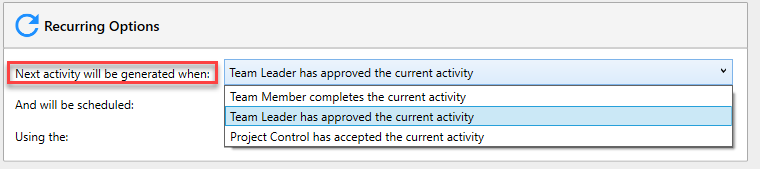
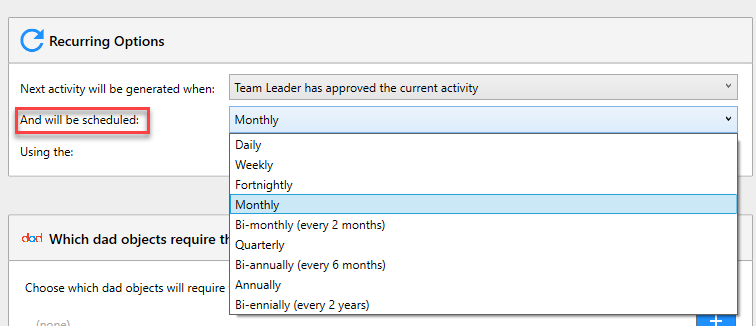
If you have an activity type that is 'Recurring' you need to confirm: the timing, frequency and date of recurring activity. Options available are:
- Timing
- Frequency
- Date
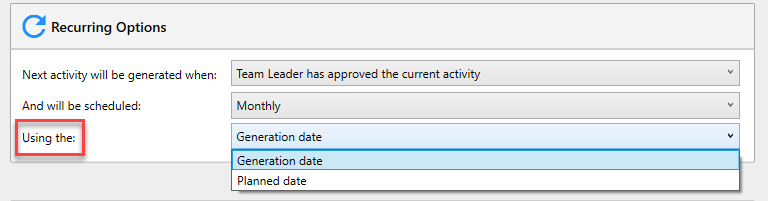
Select your option and press 'Next', which will take you to SIM Options.