Exporting Activity Type
As Project Controller you have the ability to export all of your attributes to Excel. This might be useful for auditing, backup, creating a new AE project or creating similar attributes.
Export Attributes
Go into 'Configure Project' screen
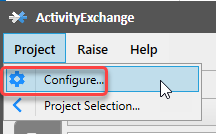
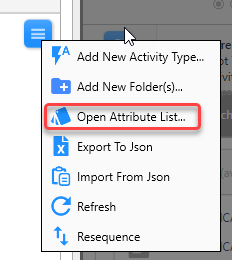
Left click on menu bar and select 'Open Attribute List'.
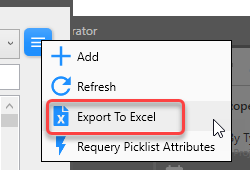
Left click on menu bar, select 'Export to excel'
Excel file will open.
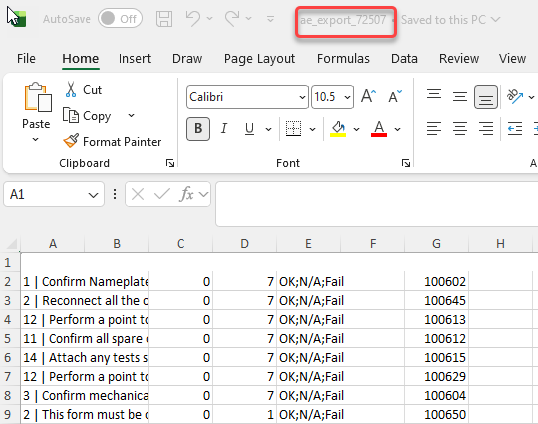
The output from the export can be a little bit confusing. Here is a breakdown of each column:
- Column A - Detailed Description.
- Column B - Condensed Description.
- Column C - Ignore this, leave it as 0.
- Column D - Is the data type of the attribute, referenced here: ? String = 1 ? Date = 2 ? Numeric = 3 ? Boolean = 4 ? Hyperlink = 5 ? PickList = 7 ? PassFailNA = 8 GeoCoords = 10
- Column E - If this is a Picklist or PassFailNA attribute, this will allow you to provide custom values separated by a semi-colon ';'.
- Column F - Is the attribute category (optional).
- Column G - ignore. Activity reference number.
Importing tributes
Go into 'Configure Project' screen
Left click on menu bar and select 'Open Attribute List'.
Left click on menu bar and select 'Add'.

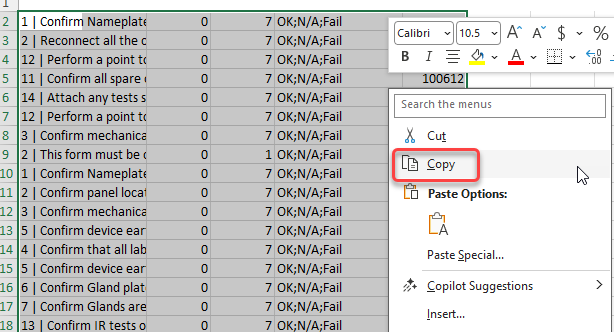
Copy the rows (columns A - G) of attributes downloaded from previous project in excel.
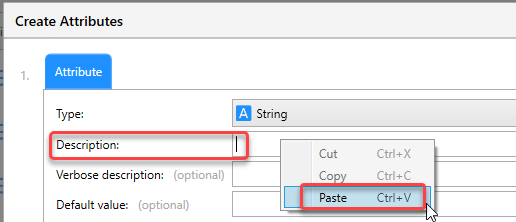
Click the cursor in the 'description box' and hold down "CTRL+V" button to paste the data.
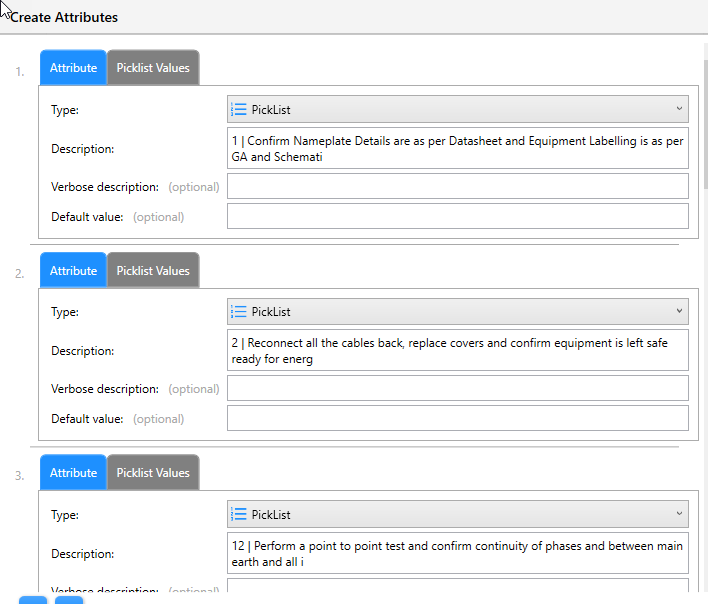
Attributes details will be entered into attributes.
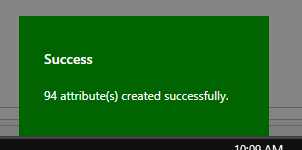
To confirm all attribute list has copied across, scroll down to the end and confirm number of attriubutes created reconcile to rows of data copied from excel.