Activity States
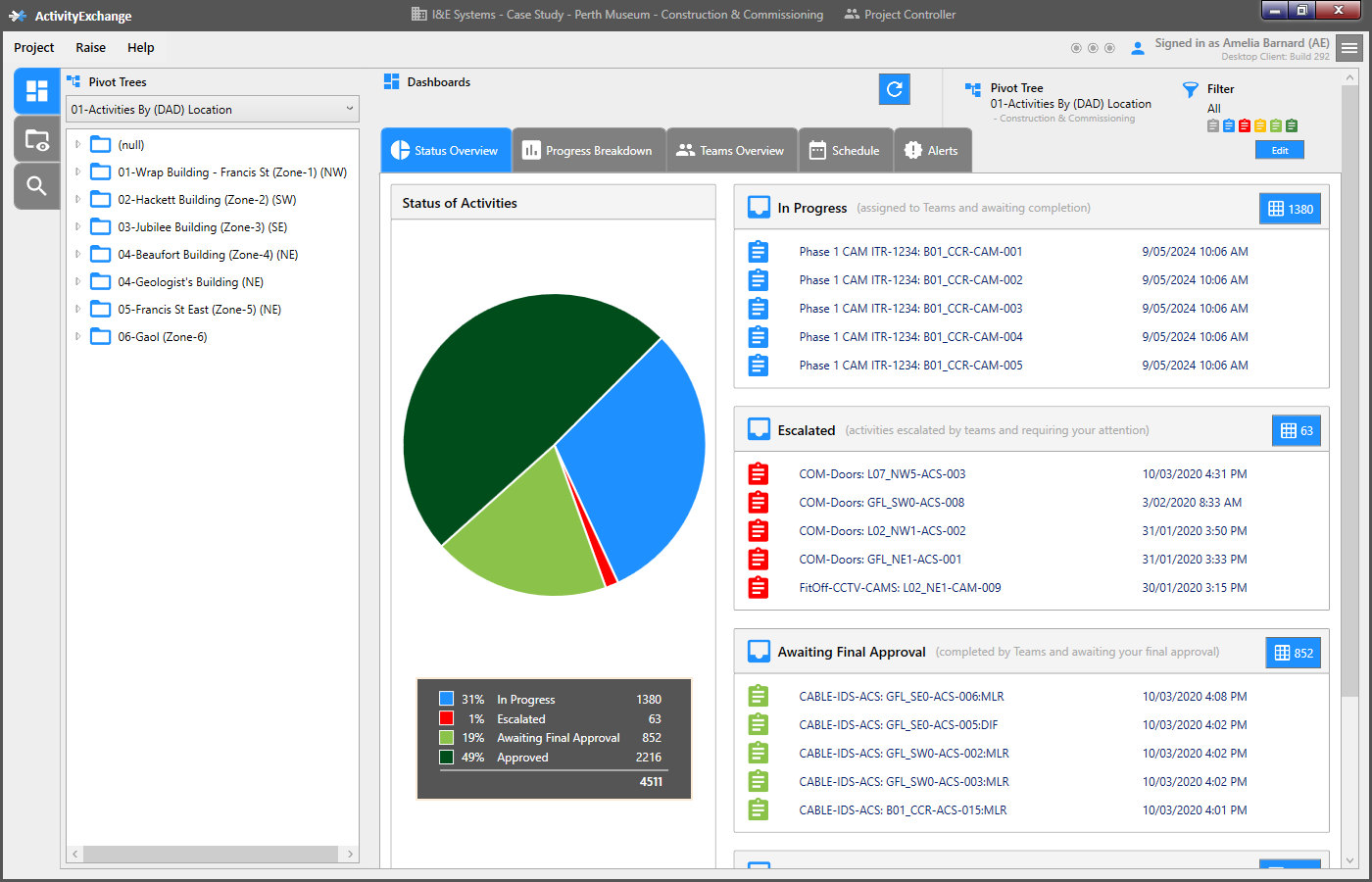
The activity has been raised and generated and now ready for monitoring.
As the status of the activity changes through it's life cycle it's icon colour will refelct this.
To understand what the colour represents, select 'Project' Tile from top left, and the Cogs wheel.
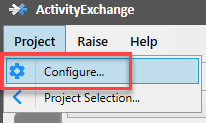
Select 'Customise Activity States' on the left hand side.
On the right hand side of the screen it will show each different state colour and define each state.
If you don't agree with the wording, as the PC you are able to adjust the language so it represents your company's terminology.

Select 'x' and you should arrive to back at main page.
In the first instance all activities status is 'in progessing'.
As your project matures activities will be all different states and it will represented by the change in icon colour.